
How to Use the Wavytalk Bare It IPL Hair Removal Device
 By Ashley Rubell Published
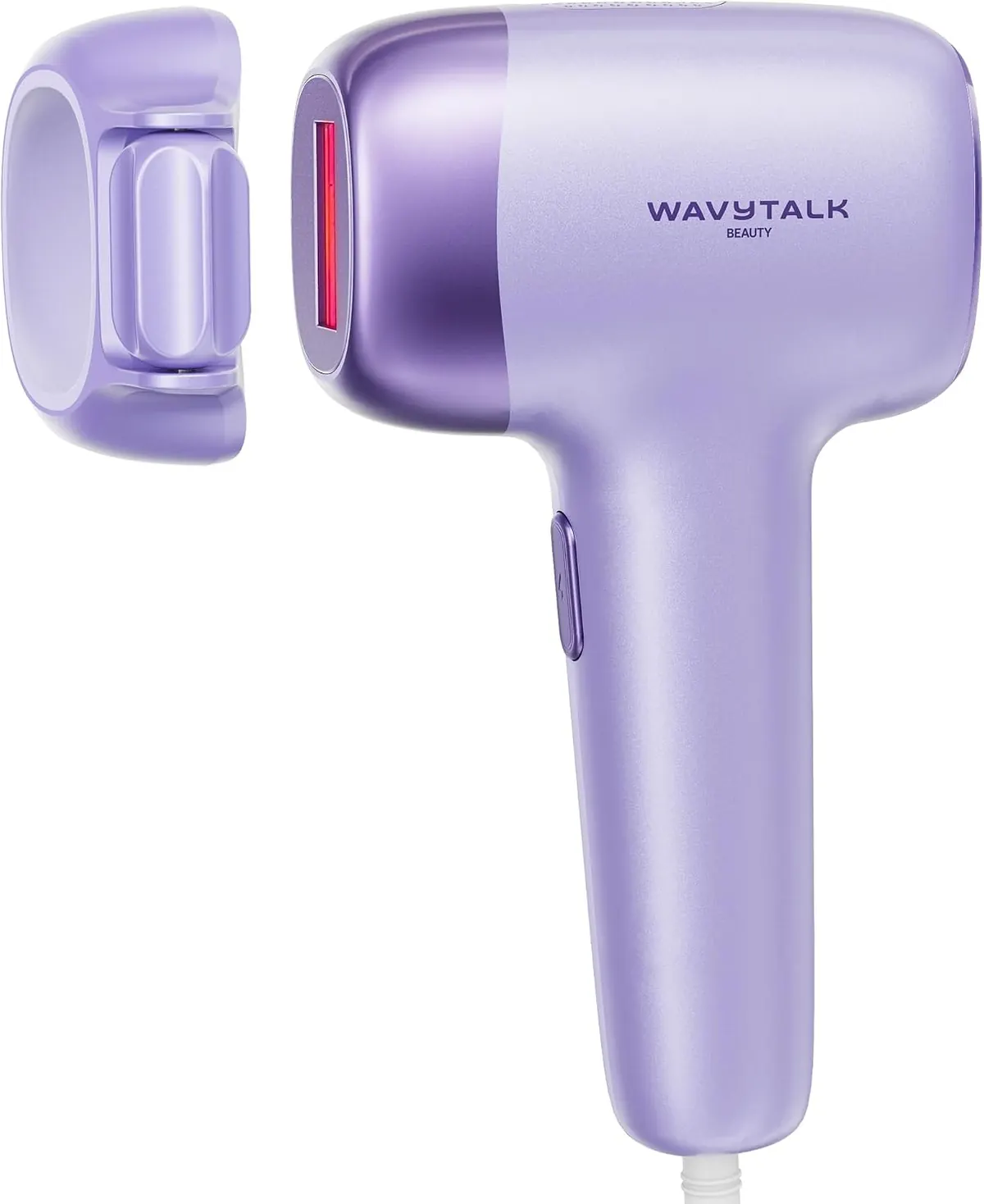
At-home IPL with 8J/cm² energy density, two flashes per pulse, a precision roller, an
Shop now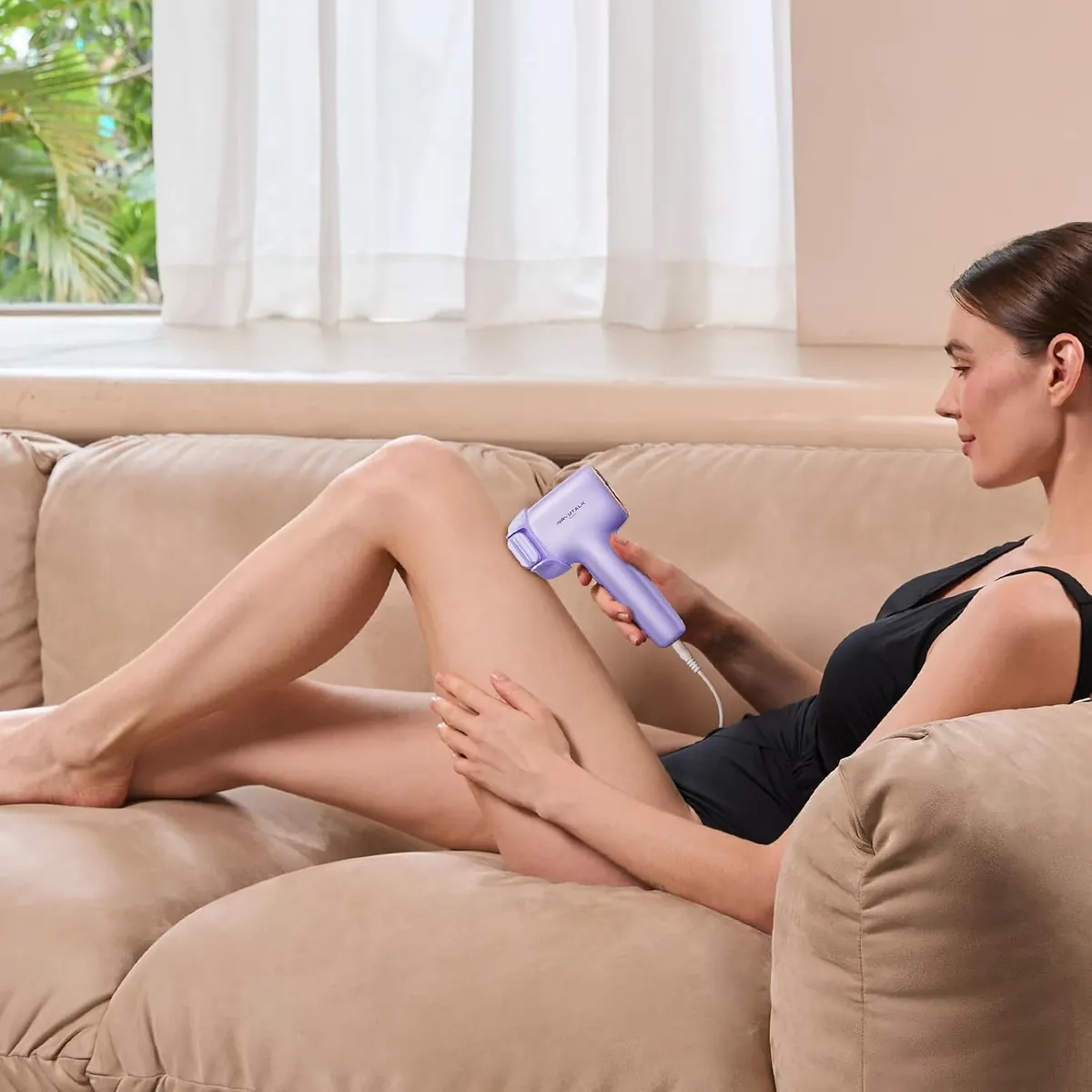
Most first sessions with an at-home IPL go wrong in one of two ways: the skin wasn't shaved, or the level was set too high. The Wavytalk Bare It IPL Hair Removal gives you three modes, five energy levels and two flash styles, so there are a few choices to make before the first flash. This guide follows Wavytalk's own tutorial, specs and schedule.
First: is IPL right for your skin and hair?
IPL works by targeting the melanin in the hair root. That's why it depends on the contrast between your skin and your hair.
Swipe sideways to see the whole table →
| Works best | Not recommended |
|---|---|
| Very fair, fair, medium and olive or light brown skin | Brown and dark brown skin |
| Light brown to black hair | Red, blonde or grey hair |
That chart is from Wavytalk's own suitability check, which says IPL is not effective on deeper skin tones or on light hair because there isn't enough melanin to target. One product description elsewhere describes it as comfortable for deeper skin tones, so if your skin is brown or darker, go by the chart and the manual's guidance. Either way, Wavytalk asks for a patch test before you use it.
What's in the box
The device, an adapter, a razor, protective glasses, a storage bag, a user manual and a quick guide. The glasses are there for a reason: wear them for every session.
The settings, explained
Swipe sideways to see the whole table →
| Setting | What it does |
|---|---|
| Face mode | Lower energy for facial hair |
| Body mode | Higher energy for faster full-body sessions |
| Bikini mode | Reduced intensity for the bikini line |
| Levels 1 and 2 | Single pulse, for faster treatment |
| Levels 3 to 5 | Dual pulse, for reduced discomfort |
| Auto mode | Fast, continuous flashes for large areas such as legs |
| Manual mode | One controlled flash at a time for small or sensitive zones |
The treatment window is 3 cm², and the ice-cooling surface is kept below 52°F to help prevent burning and redness.
Step 1: Shave the area
Use the included razor to shave the area so the hair is shorter than 2 mm. The light needs to reach the root, not the hair above the skin.
Step 2: Power on and pick a level
Plug in the device, turn it on and choose the mode for the area you're treating. For the level, start low. Wavytalk tells you to choose based on the area and your comfort, and it gets warmer as you go up. Level 1 on your first session tells you how your skin reacts before you try anything stronger.
Step 3: Treat the area
Put on the glasses, then place the window flat against your skin. A contact sensor only lets it flash when it's fully touching the skin. On legs, arms and other large areas, use auto mode and glide slowly so the precision roller keeps the flashes evenly spaced. On the upper lip, underarms or bikini line, switch to manual mode and hold the device in place for each flash.
Wavytalk says the full body takes about 12 minutes with the roller.
How often to use it
Swipe sideways to see the whole table →
| Phase | How often |
|---|---|
| Month 1 | 3 times a week |
| Month 2 | Once a week |
| After that | Once a month, as needed |
Wavytalk describes IPL as long-term hair reduction, not guaranteed permanent removal. Hair grows back finer, sparser and more slowly with steady use. Results vary from person to person, and keeping to the schedule matters more than turning up the level.
Quick checklist before each session
- Area shaved, hair under 2 mm.
- Glasses on.
- Mode matches the area: face, body or bikini.
- Level no higher than your last comfortable session.
- Auto mode for long stretches, manual mode for small zones.
- If your skin reacts, stop and check the manual before the next session.
Bare It is the only device on our hair removal page. For the skin-care side of the range, see wrinkle and anti-aging devices.